
Sports LED Display Solutions
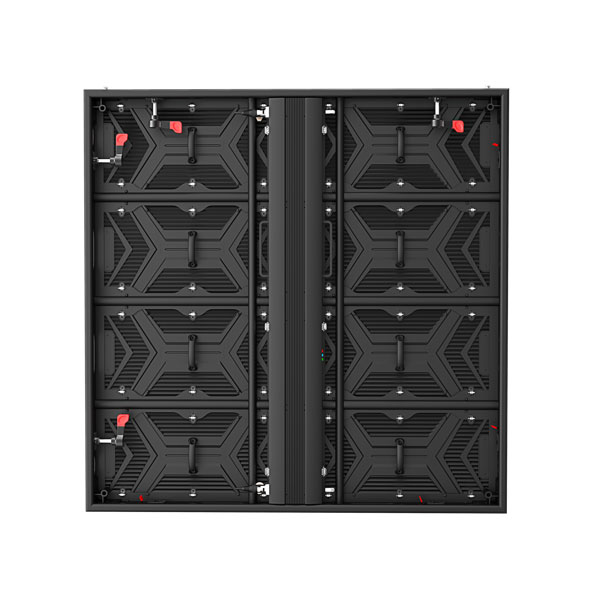
Sports LED display solutions for scoreboards, perimeter screens, and venue branding
Sports LED projects usually need more than one display role. Buyers often combine a main scoreboard wall, ribbon or perimeter screens, sponsor branding areas, and fixed information displays across the same venue.
Main scoreboard and replay wall
Suitable for central game visuals, score presentation, instant replay, and live production content where brightness and wide viewing matter.
Perimeter and sideline branding
Useful when the project focuses on sponsor exposure, dynamic campaigns, and long horizontal screen runs around courts or fields.
Indoor arena information screens
A good fit for concourses, entry zones, and fan engagement points that need schedules, navigation, and promotional messaging.
Training and club facilities
Works for club showrooms, indoor practice spaces, and branded team environments where image quality and daily operation both matter.
Outdoor sports LED screens: IP rating, brightness, and weather
An outdoor stadium or pitch-side sports LED display is judged first by whether it survives the weather, not by how sharp it looks on a dry day. The two specifications that decide that are the ingress protection rating and the brightness headroom above ambient light. Getting both wrong shows up as condensation behind the modules, fading in direct sun, or a display that has to be turned down to avoid heat stress.
| Sports display position | Typical protection | Typical brightness | Common pitch |
|---|---|---|---|
| Indoor arena scoreboard | IP31 – IP43 | 1,500 – 3,000 nits | P3 – P6 |
| Covered stand / concourse | IP54 – IP65 | 3,000 – 5,000 nits | P4 – P8 |
| Outdoor perimeter / pitch side | IP65 – IP67 | 5,000 – 8,000 nits | P6 – P10 |
| Large outdoor main screen | IP65 – IP67 | 6,000 – 10,000 nits | P8 – P16 |
Ingress protection is usually quoted as two digits: the first is dust resistance and the second is water resistance. IP65 means dust-tight and protected against water jets from any direction, which is the common baseline for a permanently installed outdoor sports screen. Pitch side screens that sit low and take direct rain and ball impact are often specified at IP67 with reinforced masking.
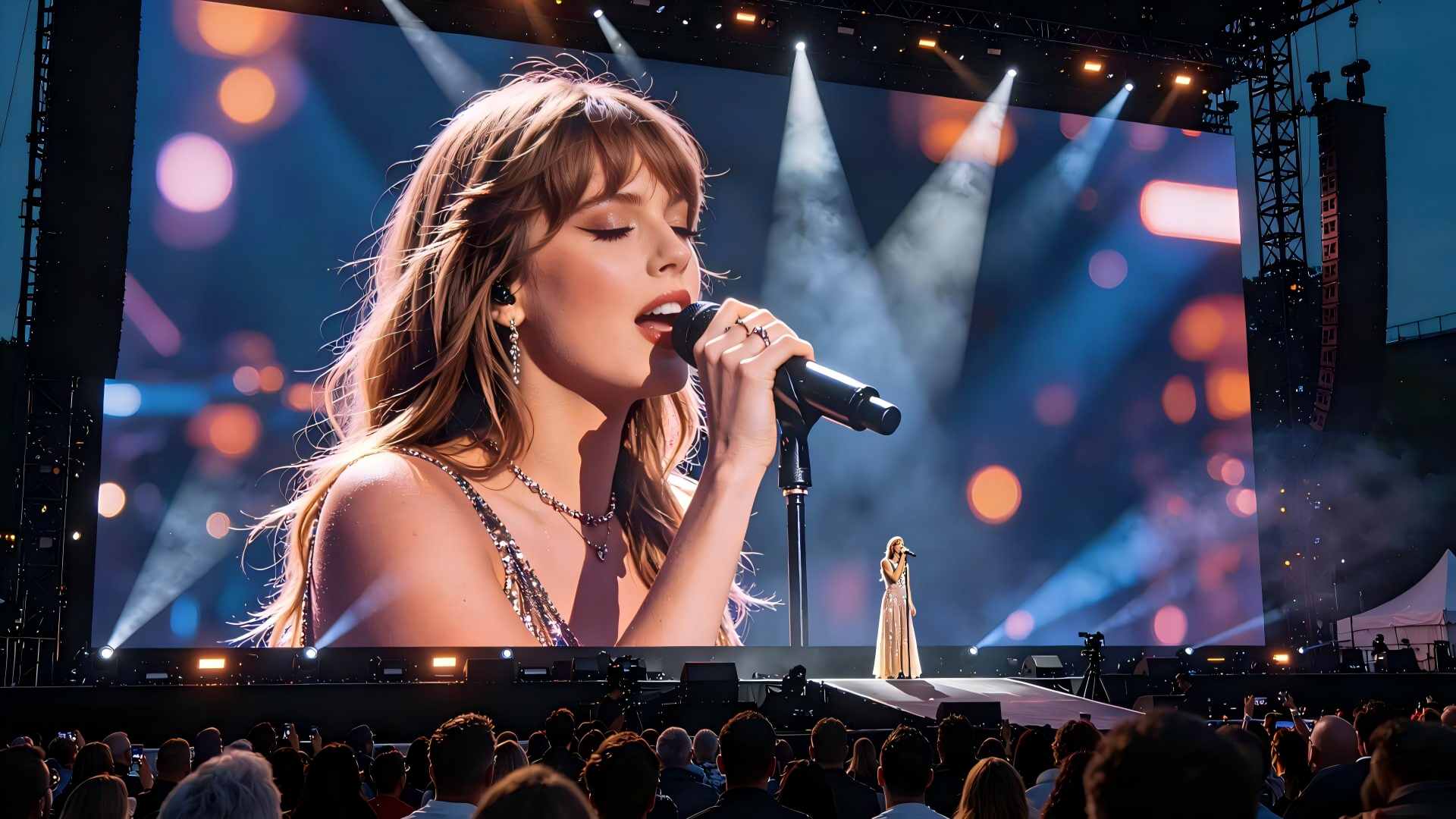
Why brightness is not simply “higher is better”
Daylight legibility depends on the contrast between the screen and its surroundings, not on absolute nits. A screen at 6,000 nits facing away from the sun can read better than a 8,000-nit screen catching direct glare, because the reflected light washes out the black levels first.
That is why the orientation of the screen, the surrounding stand height, and the direction of afternoon sun belong in the specification discussion. A screen angled slightly downward and shaded at the top often needs less power and runs cooler than one specified purely on a higher brightness number.
Heat, power, and long match days
A perimeter screen can run for a full match day plus warm-up and post-match coverage, often in summer heat. Cabinet cooling, power supply derating, and the spare-parts plan all affect whether the screen finishes the season at the same brightness it started with.
Club and municipal buyers also plan for the display running outside game days — sponsor rotation, event announcements, and community messaging. That duty cycle should be stated up front, because it changes both the cooling design and the warranty conversation.
Refresh rate, cameras, and why sports screens are specified differently
A sports LED display is one of the few commercial screens that will be filmed. Broadcast and streaming cameras capture the screen at a different frame rate than the panel refreshes, and if the two do not line up the display shows dark banding scan lines across every shot. This is separate from what the crowd sees in the stadium — the screen can look perfect in person and terrible on television.
The refresh rate that keeps cameras happy
For venue screens that will appear on broadcast, a refresh rate of 1,920 Hz is a practical minimum and 3,840 Hz or higher is common on premium installations. The higher the refresh rate, the shorter the shutter interval during which banding can appear, which gives broadcast crews more freedom with shutter angle and slow-motion replay.
Refresh rate also affects visible motion. Fast-moving score animations, countdowns, and replay content look smoother at high refresh, and the difference is noticeable to spectators even without a camera involved.
It is worth stating the broadcast plan explicitly in the brief: which cameras, which shutter settings, and whether slow-motion replay is expected. A screen specified without that context often has to be replaced or re-driven once the first televised match reveals the banding.
Grayscale and low-brightness performance
Score text and sponsor logos need smooth low-brightness detail; poor grayscale shows as blotchy dark areas during night matches.
Signal routing and redundancy
Multi-screen venues need a processor plan that can drive scoreboard, perimeter, and concourse displays from one control position without single points of failure.
Live input and replay integration
Connecting a replay system, timing feed, or sponsor scheduler changes the input count and switching logic the quote has to cover.
What sports venue buyers usually confirm before requesting a quote
Sports LED display planning gets easier when the venue team defines where the screen is installed, how far viewers are, what content is shown, and how often the system runs during the week.
Venue type and viewing distance
Indoor arenas, outdoor stadiums, school courts, and club venues need different brightness, cabinet protection, and pixel pitch choices.
Display role during the match
Score display, replay, advertising rotation, event countdowns, and fan engagement all influence the final sports LED screen recommendation.
Mounting method and service access
Wall mounting, hanging support, perimeter framing, and front or rear maintenance paths should be reviewed early for a more accurate quotation.
Control workflow and operation schedule
A stronger quote usually includes signal source count, control room location, live switching needs, and whether the system is used only for games or every day.
Common questions about sports LED displays
What IP rating does an outdoor sports LED display need?
Permanently installed outdoor sports screens are normally specified at IP65 as a baseline. Pitch-side and low-level perimeter screens that take direct rain, spray, and ball impact typically move up to IP67 with reinforced masking. Indoor arena scoreboards can use IP31 to IP43 because they are protected from weather.
How bright should a sports LED screen be?
Indoor arenas usually sit between 1,500 and 3,000 nits. Covered stands and concourses run 3,000 to 5,000 nits. Outdoor perimeter and pitch-side screens are specified at 5,000 to 8,000 nits, and large outdoor main screens can go to 10,000 nits to hold contrast in direct sunlight.
What refresh rate stops banding on TV cameras?
For screens that will be broadcast, 1,920 Hz is a practical minimum and 3,840 Hz or higher is typical on premium venue installations. Higher refresh rates give camera crews more freedom with shutter angle and slow-motion replay, which is why broadcast plans should be shared before the screen is specified.
What lead time and warranty apply to a venue project?
Lead time depends on cabinet count, pitch, processor configuration, and whether the venue needs custom structural steel, and is typically measured in weeks after drawing approval. Warranty terms are defined per project and are usually tied to the running hours and environment the screen was specified for, so the intended duty cycle should be stated up front.