
Control Room Video Wall Solutions
JDX TECH helps command centers, monitoring rooms, and mission-critical operation spaces plan LED video walls built for close-view clarity, long-hour stability, and efficient front-service maintenance.
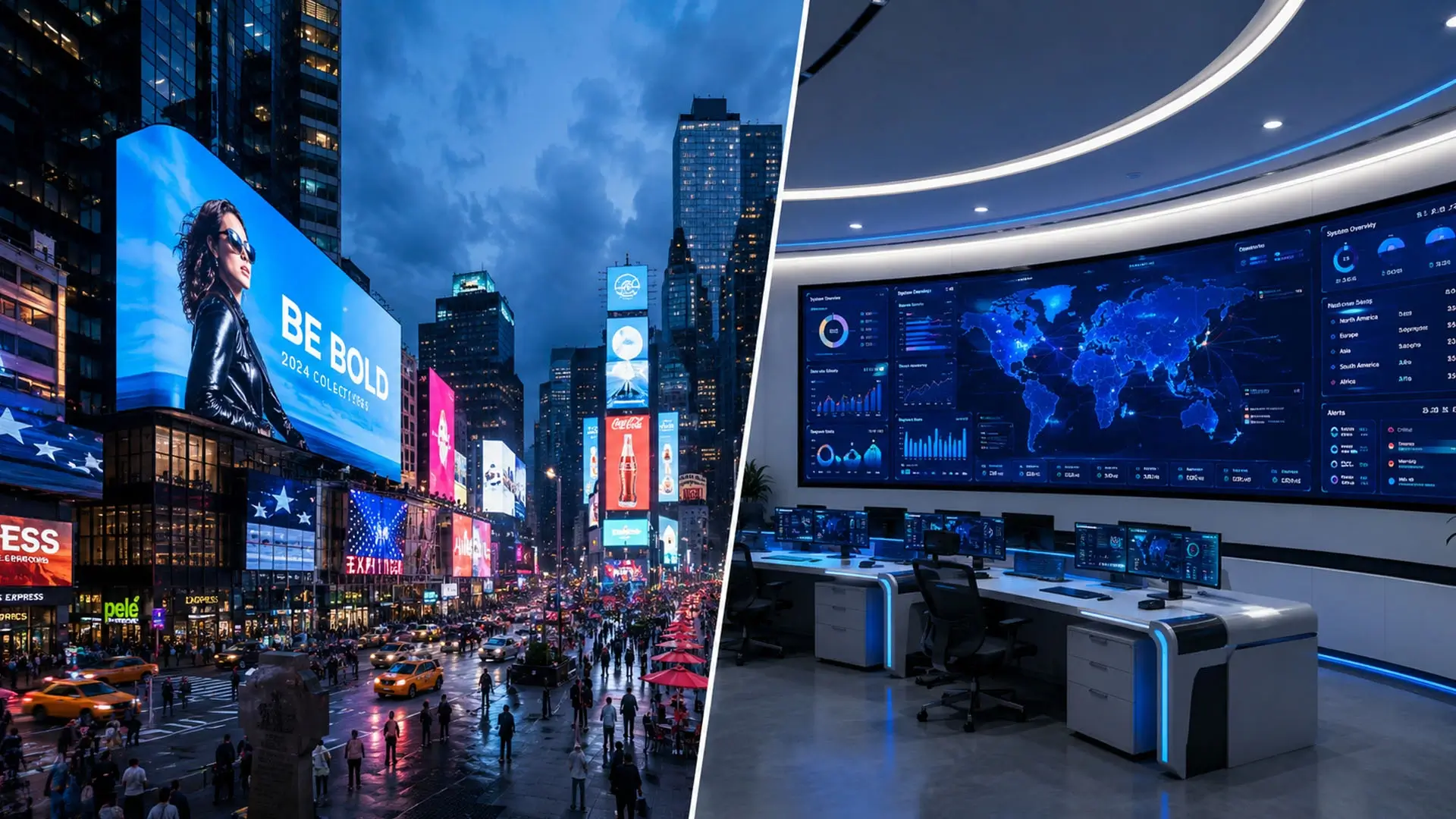
Where control room LED video walls usually create the most value
A control room LED wall is usually chosen when the project needs uninterrupted visualization, seamless information layout, and better long-term maintenance access than standard display alternatives.
Command and dispatch centers
Best for environments that need maps, camera feeds, and response dashboards visible across a shared wall without distracting bezels.
Security monitoring rooms
A strong fit when operators monitor many live sources for long hours and need stable close-view readability across the entire control wall.
Utility and industrial operations
Useful where process status, plant visualization, alarms, and operational summaries must stay visible to multiple teams in real time.
Transportation control spaces
Suitable for traffic, rail, and transit environments where redundancy, visibility, and rapid service access matter more than generic indoor display styling.
Pixel pitch for operator viewing distance in a control room
A control room video wall is one of the few LED installations where viewers sit close and read dense information for hours. Operators work a few metres from the wall, tracking numbers, maps, camera feeds, and alarm states. That combination — short distance plus small text — is what drives the pixel pitch decision, and it is the single largest cost factor in the project.
When operators sit closer than about 1.5 metres, a purpose-built fine pitch LED display with P0.93 to P1.25 pitch and full front service access keeps small text readable around the clock.
| Video wall position | Operator distance | Common pixel pitch |
|---|---|---|
| Front-row operator desk | 2 – 3 m | P0.9 – P1.5 |
| Primary control room wall | 3 – 5 m | P1.2 – P1.8 |
| Rear tiered viewing position | 5 – 8 m | P1.8 – P2.5 |
| Secondary status wall / corridor display | 8 m+ | P2.5 – P4 |
The decision should be made against the closest operator position, not the average. A wall that looks crisp from the back row can still fail the person who has to read a small data table from the front desk, and that is the person the whole installation exists to serve.
Why seamless matters more here than in retail
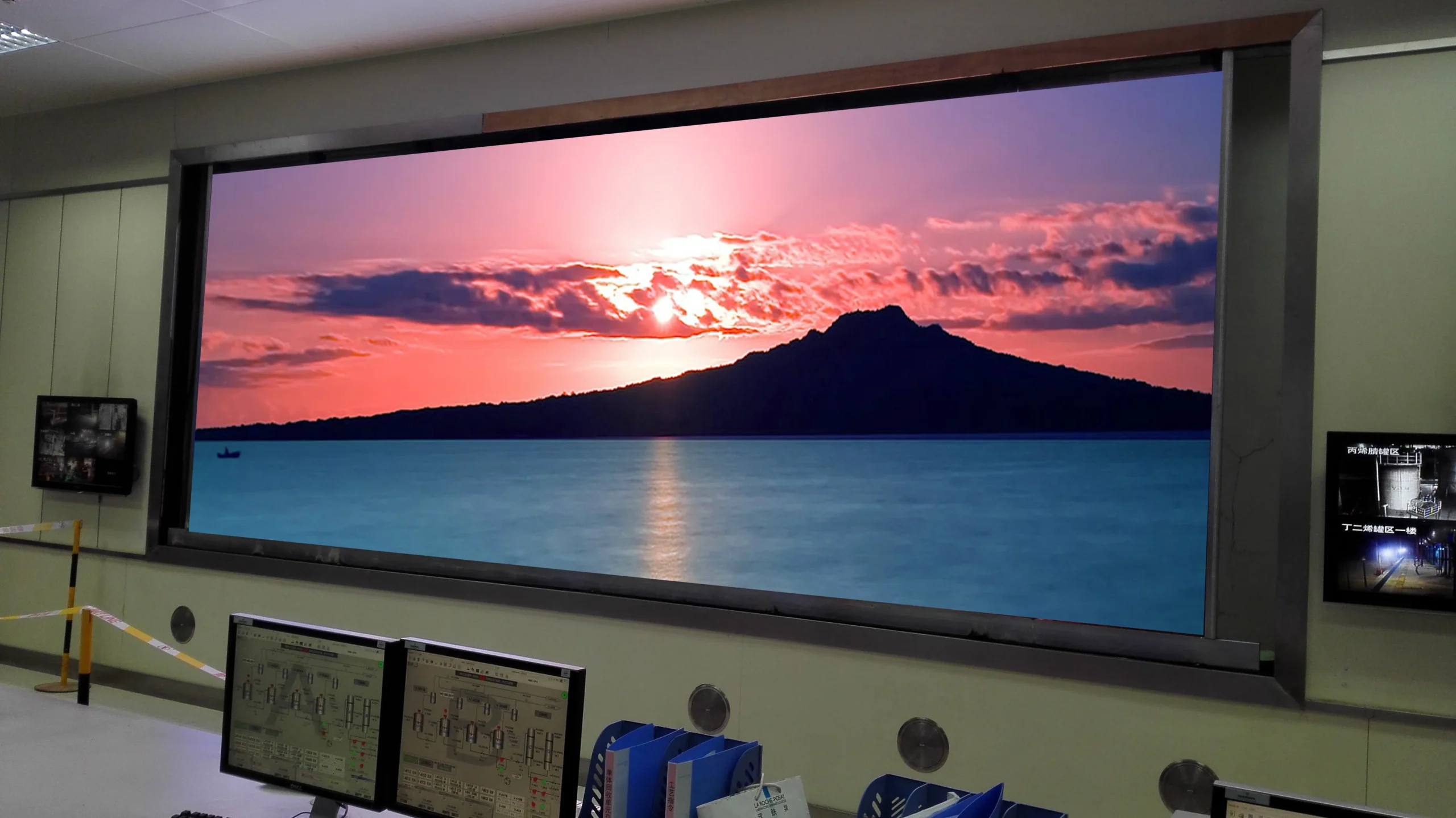
In a shop, a thin bezel between screens is a cosmetic issue. In a control room it is a functional one. Operators track objects and data that move from one window to another, and a bezel grid breaks that continuity at exactly the moment a response is needed.
That is the main reason control rooms move from tiled LCD video walls to a single LED wall with no internal bezels. Content can be laid out freely across the whole surface, and a single window can span what used to be four separate screens without a visible seam through the middle.
Information density and content layout
A control wall usually shows several sources at once: maps, camera matrices, status dashboards, alarm lists, and reference documents. Each source has a minimum readable text size, and that sets the practical limit on how many windows the wall can carry at once.
Mapping the intended layout before specifying the pitch avoids the common disappointment where a wall is physically large but still cannot show the number of windows the team planned for, because the pitch was chosen for appearance rather than for text size at the real viewing distance.
24/7 operation, redundancy, and service access
A control room video wall is expected to run continuously, often around the clock, for years. That changes the specification compared with a commercial display that runs a normal business day. Reliability is not a single feature but the combination of power design, signal redundancy, thermal performance, and how quickly a failed module can be replaced without taking the wall offline.
Redundancy that actually protects uptime
The usual redundancy plan covers two areas: power and signal. Dual power supplies with automatic failover keep the wall lit if one supply fails, and redundant sending paths prevent a single cable or card from blanking part of the display.
Choose backup requirements from the consequences of an outage and the operator’s continuity plan. Redundant power, signal paths and processors are configuration-dependent; list the required features, failure modes and failover tests explicitly in the quotation.
The processor is usually the other single point of failure. Confirm whether the design needs a hot-standby processor, a bypass path, or a manual changeover procedure that the operators have been trained on, and write that into the brief.
Service access without shutting the wall down
Front-service cabinets provide access where there is no rear service corridor. Front access does not by itself mean a module can be replaced while powered. Confirm the approved isolation and replacement procedure for the selected model, and agree any necessary service interruption before installation.
Cable routing, spare module storage, and a labeled maintenance map all reduce the mean time to repair. Control rooms that keep a small on-site spares kit and a documented module map recover from failures far faster than those that have to order parts after the event.
Thermal design and ventilation
Continuous operation plus a sealed room raises heat load; airflow and derating belong in the plan, not in a post-installation fix.
Colour and brightness calibration
Keep batch identifiers and calibration records. Agree how replacement modules will be matched and calibrated to the existing wall; front access alone does not guarantee uniformity after a repair.
Low-brightness readability
Control rooms are dim; the wall has to look correct at low brightness, where grayscale quality separates good panels from average ones.
What control room buyers usually confirm before final approval
Control room LED wall projects move more smoothly when the project team aligns viewing distance, operation hours, redundancy expectations, and signal workflow before the final quote is locked.
24/7 operation expectations
Monitoring environments often need long-hour stability, fast service access, and a clearer maintenance plan than standard indoor commercial screens.
Close-view image requirements
Viewing distance, operator seating, and information density should be reviewed together so the wall delivers readable charts, maps, and live video feeds.
Signal and control workflow
A stronger proposal usually includes processor setup, source quantity, switching logic, and any backup-control expectations already defined by the client.
Room structure and service path
Wall recess depth, front or rear service access, cable routing, and equipment room layout all affect the final control room video wall recommendation.
Common questions about control room video walls
What pixel pitch is right for a control room video wall?
Match the pitch to the closest operator position. Front-row desks at two to three metres usually need P0.9 to P1.5. A primary control wall viewed from three to five metres typically uses P1.2 to P1.8. Rear tiered positions at five to eight metres can use P1.8 to P2.5, and secondary status or corridor displays can go to P2.5 to P4.
Why choose an LED video wall over tiled LCD screens?
The main reason is the absence of internal bezels. Operators track objects and data that move between windows, and a bezel grid breaks that continuity. A single LED wall lets one window span the whole surface with no seam, which matters most during live incident handling when attention has to move quickly across the display.
What redundancy does a 24/7 control room need?
The usual baseline is dual power supplies with automatic failover plus redundant signal paths so a single card or cable cannot blank part of the wall. Many projects also plan a hot-standby processor or a documented manual changeover when operators rely on a single shared display during an incident.
Can a module be replaced without shutting down the wall?
It depends on the selected system and its approved service procedure. Front maintenance describes the direction of access, not guaranteed hot-swapping. Ask whether power isolation or a planned interruption is required, and follow the model-specific maintenance instructions.