Control Room Display Buying Guide: Choosing the Right LED Video Wall
Control Room Display Buying Guide: LED Video Walls for 24/7 Operations
How to Specify a Control Room Display for 24/7 Operation
A control room display is not a conference room screen. It runs around the clock, it is read from two metres by an operator and from twelve metres by a shift supervisor, and a failed panel is not an inconvenience — it is a loss of situational awareness. That is why specifying a control room LED video wall follows a different logic from almost any other display purchase. This guide walks through the six decisions that actually determine whether the wall still works five years from now.
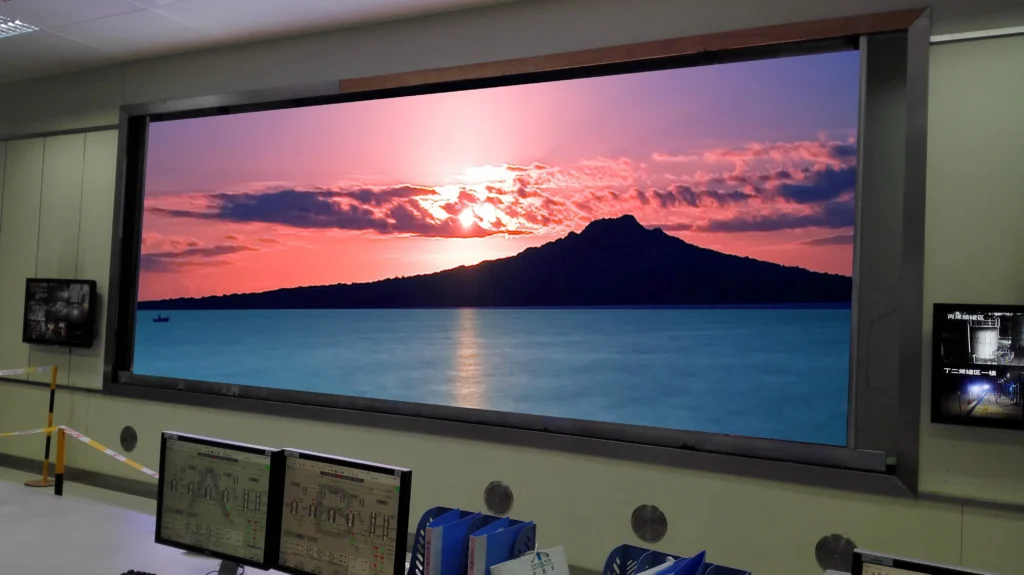
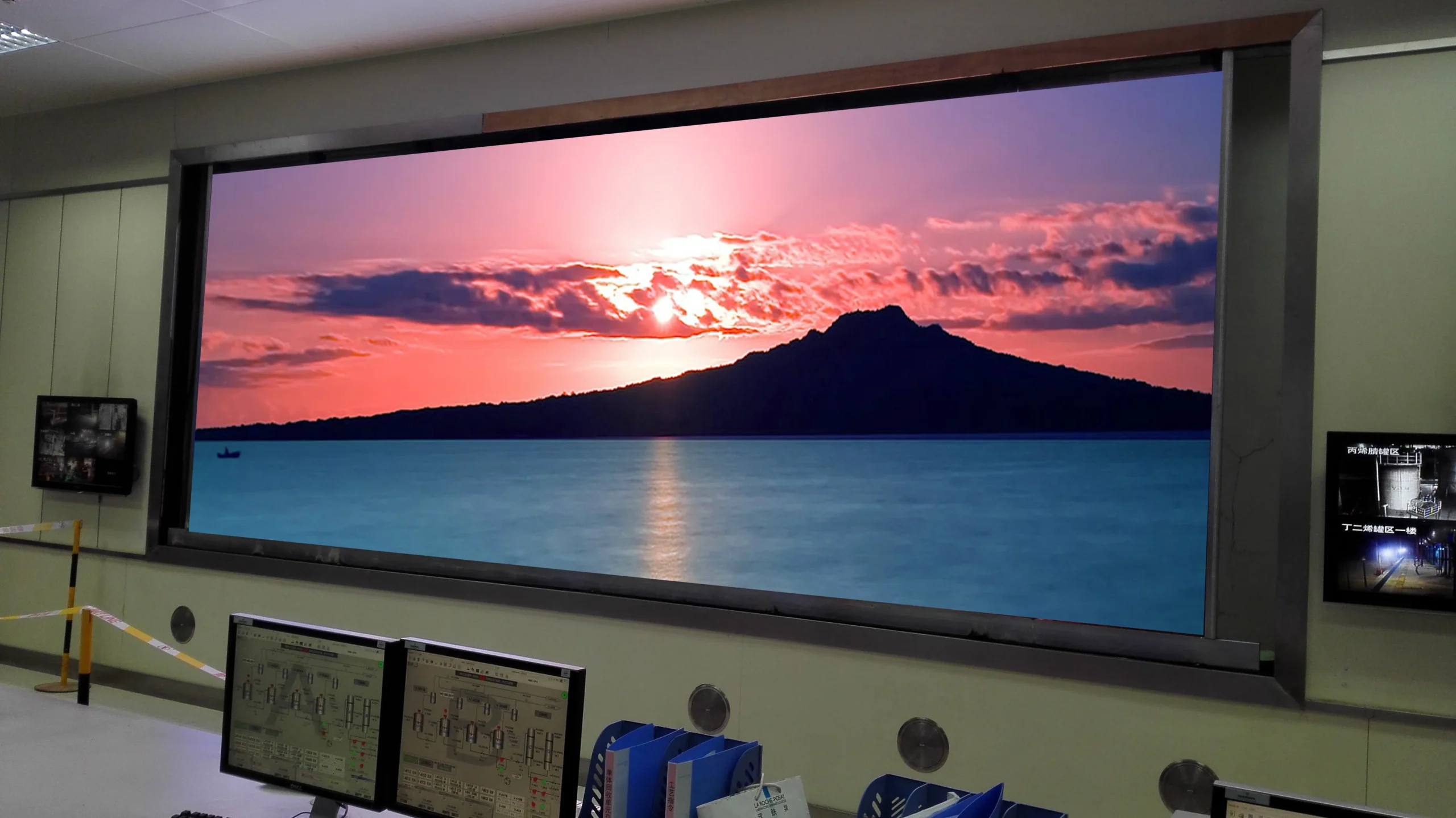
A 24/7 control room display video wall built from fine pitch LED panels.
1. Start With Pixel Pitch, Then Work Backwards to Viewing Distance
Pixel pitch — the distance between the centres of two adjacent LED beads — sets the sharpest detail the wall can render and the closest an operator can stand before individual pixels become visible. The practical rule is that the minimum comfortable viewing distance in metres is roughly equal to the pixel pitch in millimetres multiplied by two to three.
Most control room display installations are read at two distances at once: operators at their consoles, typically 2m to 4m from the wall, and supervisors or visitors standing further back. Design for the closest viewer, not the average one. In practice this pushes most command centres toward sub-2mm pitch panels — a fine pitch LED display rather than a standard signage panel.
Pixel Pitch
Closest Comfortable Viewing
Typical Fit
1.2mm – 1.5mm
2m – 4m
Operator-led control rooms, trading floors
1.6mm – 1.9mm
4m – 6m
Command centres, broadcast galleries
2.5mm and above
6m+
Lobby walls, briefing rooms, public dashboards
2. Match Brightness to the Room, Not to the Sunlight
Control rooms are deliberately dim. Ambient light is kept low so operators can read detail on screen for a full shift without eye fatigue. A panel rated for 5,000 or 10,000 nits — correct for an outdoor billboard — is simply wrong here: it forces the wall to run at a small fraction of its output, wastes power, and puts unnecessary thermal load on the room.
For most indoor control environments, 600 to 800 nits is the sweet spot. What matters more than peak brightness is contrast and uniformity: a wall that renders deep blacks and holds consistent colour across the whole surface lets operators distinguish grey-on-grey data at low brightness. Ask for the manufacturer's uniformity specification and a sample of the exact batch you will receive.
3. Specify for 24/7 Duty Cycle, Not for Peak Performance
A screen that looks excellent in a showroom demo may still fail in a control room, because the failure mode of permanent operation is thermal and gradual, not immediate. Twenty-four-hour operation means roughly 8,760 hours per year — four times the load of a retail display.
Three specifications separate a control-grade panel from a general-purpose one:
Component derating — power supplies and driver ICs rated above the load they will actually carry, so they run cooler.
Aging and burn-in testing — a documented aging cycle before shipment catches early failures in the factory rather than in your facility.
Redundant power — dual power supplies per cabinet so a single failure does not black out a section of the wall.
💡 Specification tip: Ask for the mean time between failures (MTBF) figure and the warranty terms on modules, power supplies and receiving cards separately. A five-year warranty that excludes power supplies is not a five-year warranty on a 24/7 wall.
4. Design the Signal Path for Failure, Not for Normal Operation
In a control room display the signal path is as important as the panel. The question to ask is not "does it work?" but "what happens when a cable, a sending card or a source fails at 3am?"
Redundancy should be specified deliberately: dual sending cards with automatic failover, a backup signal source the operator can switch to without leaving the console, and hot-swappable receiving cards so a failed card can be replaced without powering down the wall. Loop or ring topologies, where the data path can survive a single break, are worth their cost in mission-critical rooms.
Because most control rooms standardise on one control platform, it is also worth making sure your integrator can read the diagnostic indicators on the hardware. Our NovaStar status indicator guide covers how to read power, FPGA and DVI indicators so a fault can be identified before it becomes an outage. The official NovaStar software and documentation downloads are worth bookmarking before handover.
5. Plan Cabinet Design, Mounting and Service Access Early
Control rooms are usually retrofits, not new builds. The wall has to fit an existing room with existing structural constraints, and it has to be serviceable without clearing the room.
Confirm four things before the design is frozen: how the wall will be mounted and what the wall loading is; whether service access is from the front or the rear, and whether the room layout actually allows the clearance the panels need; how cabinets align and adjust so a curved or non-square wall stays seamless; and how cabling is routed so it does not obstruct the service path. A fixed-install indoor LED display built for permanent mounting will handle these far better than a rental panel adapted to the job.
6. What to Verify Before You Sign
Before committing budget, get these four answers in writing:
Aged, not theoretical, performance — has the sample you are viewing been aged and tested, or is it a fresh demo unit?
Uniformity and colour consistency — measured across the whole wall, at the batch level, not on a single panel.
Spare parts availability — specific committed lead times for modules, power supplies and receiving cards for the expected service life.
Support boundary — who diagnoses a fault, who ships the part, and what response time is contractually promised.
If you are comparing configurations for a specific room, the control room video wall solutions page covers the deployment patterns we see most often, and our team can review your drawings and viewing distances before you specify.
Frequently Asked Questions
What pixel pitch is best for a control room?
For operators seated 2m to 4m from the wall, 1.2mm to 1.9mm is the usual range. If operators view from further back, 2.5mm can be adequate. Measuring the closest seat in the room is the single most useful input to this decision.
How bright should a control room display be?
Typically 600 to 800 nits for a dim indoor environment. Higher brightness is rarely useful indoors and adds heat and power draw, so specify contrast and uniformity instead.
Can an LED video wall run 24/7?
Yes, provided it is specified for it: derated components, documented aging tests, redundant power, and hot-swappable modules. General-purpose signage panels are not built to the same duty cycle.
What is the difference between a control room display and a video wall?
The terms overlap. A video wall describes the physical arrangement of multiple panels forming one large canvas; "control room display" describes the application. A control room display is a video wall specified for 24/7 operation, close viewing distances and signal redundancy.
This guide is part of the JDX TECH knowledge base on LED display specification. For project-specific advice, talk to our engineering team — we review drawings and viewing distances before you specify.
One response to “Control Room Display Buying Guide: Choosing the Right LED Video Wall”
[…] HDR, 3840Hz refresh and front maintenance — see the full Fine Pitch LED Display line, or read the Control Room Display Buying Guide for the complete specification workflow. If you’ve just bought or are planning a church or […]


[…] HDR, 3840Hz refresh and front maintenance — see the full Fine Pitch LED Display line, or read the Control Room Display Buying Guide for the complete specification workflow. If you’ve just bought or are planning a church or […]